Home Screen
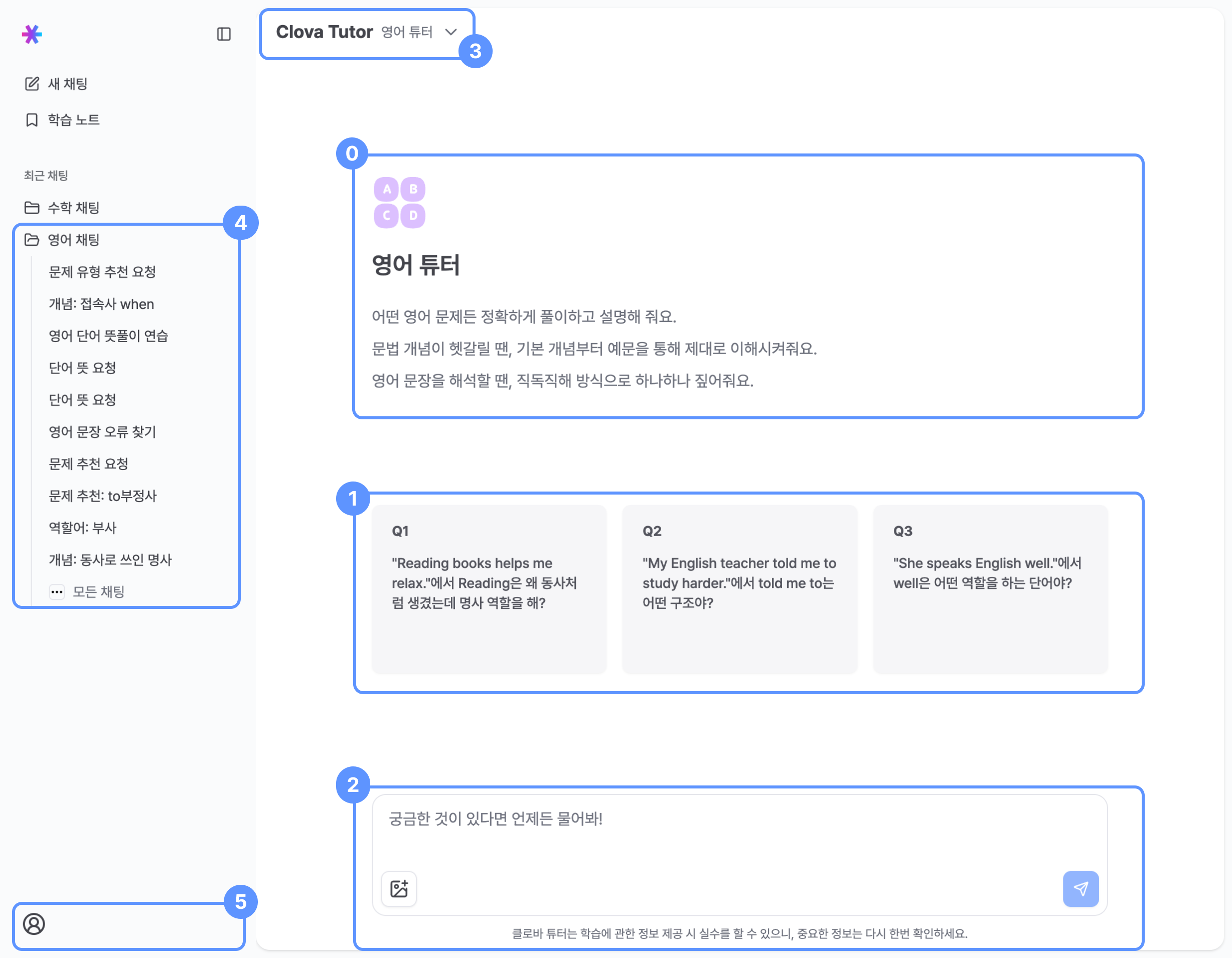
0 English Tutor overview
Provides a guided introduction to the English Tutor and its core capabilities.
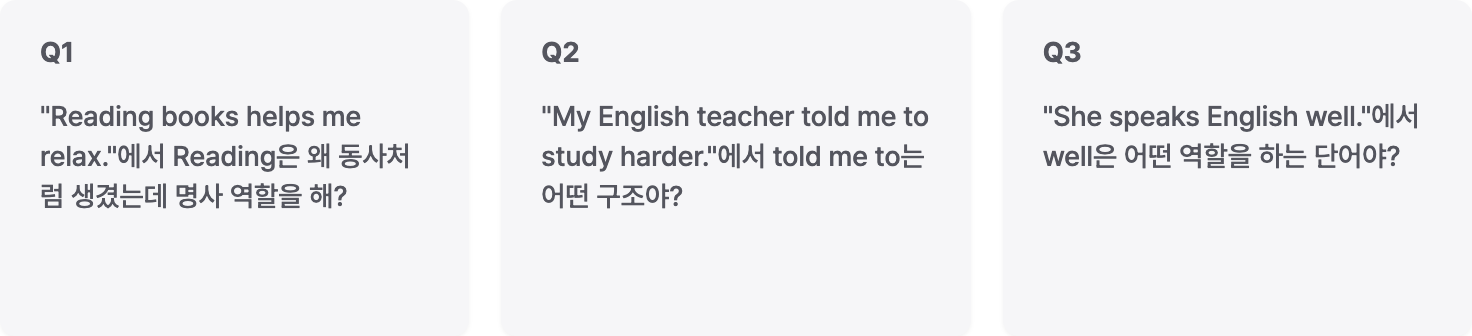
1 Example questions
You can start a conversation by selecting pre-written example questions, without typing a question yourself.
Example questions help first-time users become familiar with how to interact with the tutor.
2 Chat input
Attaching problem images

- You can upload one problem image at a time.
- Image upload requirements:
- Aspect ratio between 1:5 and 5:1
- File size up to 20 MB
- Longer side up to 2240 px, shorter side at least 4 px
- Supported formats: jpeg, jpg, png
- The tutor analyzes the uploaded image and responds to your question.
- Images copied to the clipboard can be pasted using
Ctrl + V.
3 Subject tutor selection
- Use the dropdown to select either the Math Tutor or English Tutor.
- For accurate solutions and explanations, select the tutor that matches the subject of your question.
4 Chat history
- View up to 10 recent chat rooms in the list.
- The first question sent in a chat room is used as the chat room title.
- Click All Chats to view the full chat history.
Badge meanings
- Drafting: A question is currently being written in the chat input.
- Learning Problem Recommended: The tutor has recommended one or more problems in this chat room.
Goal in Progress
: A learning goal has been set for this chat room.- Blinking chat room title: The tutor is currently generating a response.
5 User information and settings
Manage your account, log out, or switch the overall service theme between light and dark modes.